
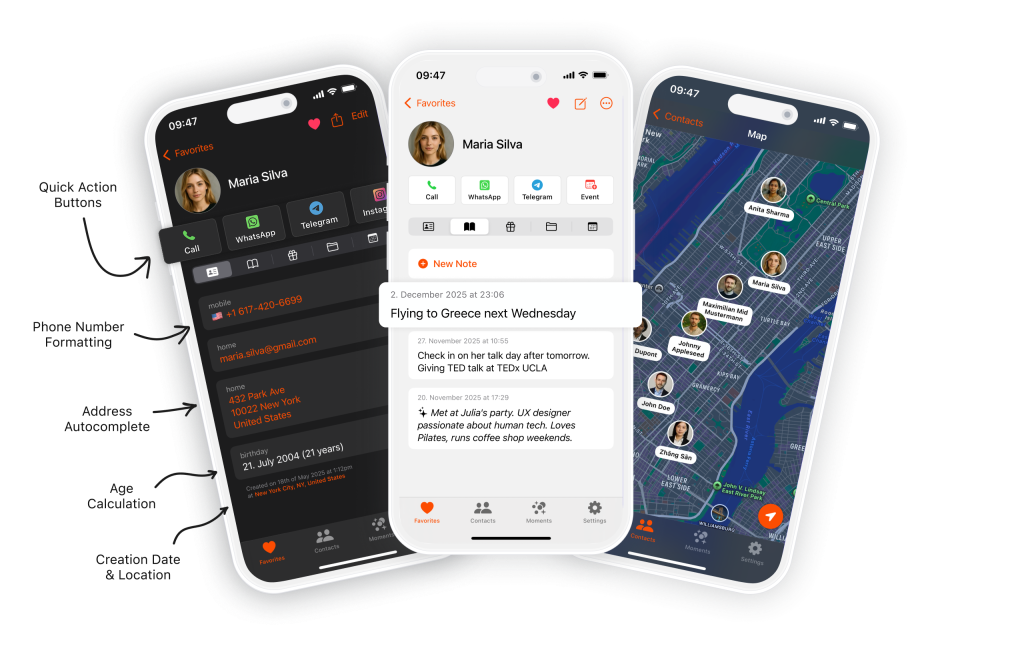
I love this app! It’s intuitive, fast, and makes managing contacts a breeze. Automatic sync, grouping, and quick search make it really practical. Highly recommended for anyone wanting an efficient, user-friendly contacts app.
The networking CRM designed to help you maintain and grow your professional relationships.
1/5
AppStore Rating
NETWORKING CRM FEATURES
Why Starrise for Networking?
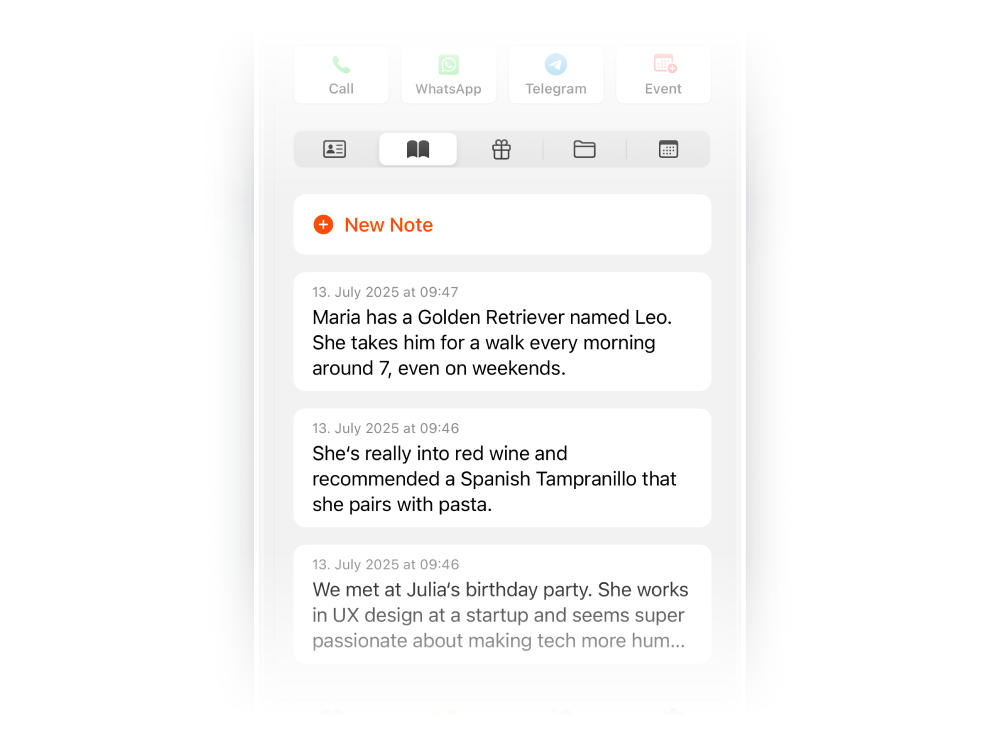
Notes
Remember every conversation and connection. Take notes after each networking event, meeting, or call — each timestamped so you always have context for your next follow-up.
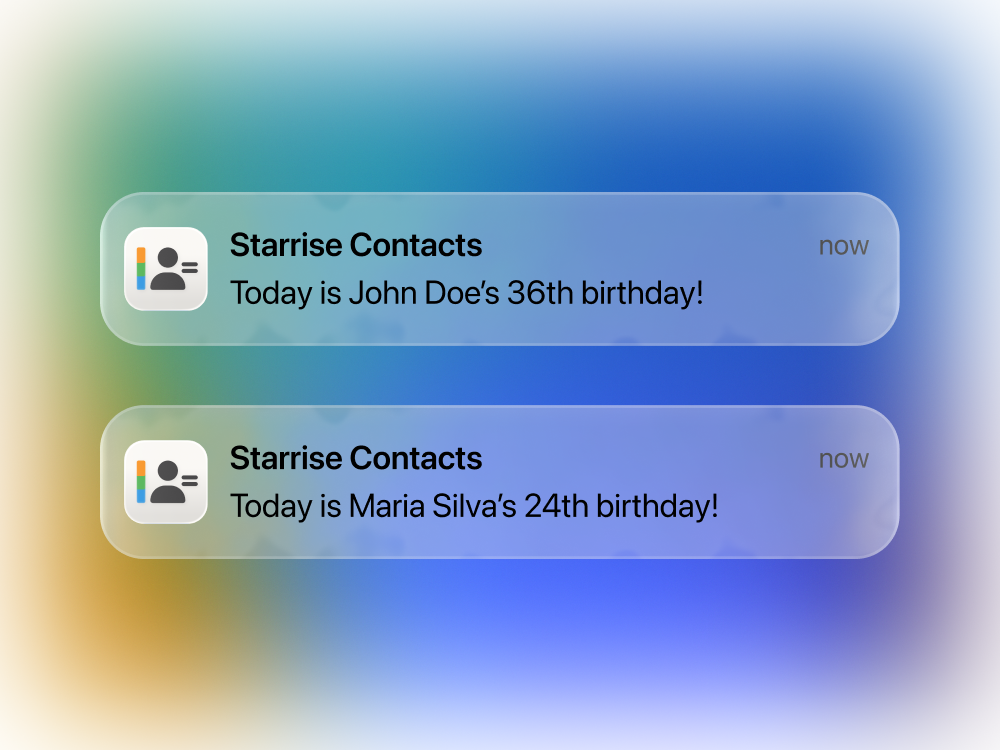
Birthday Reminders
Stay top of mind with your network. Set birthday reminders for professional contacts and reach out at the perfect moment — a simple gesture that strengthens business relationships.
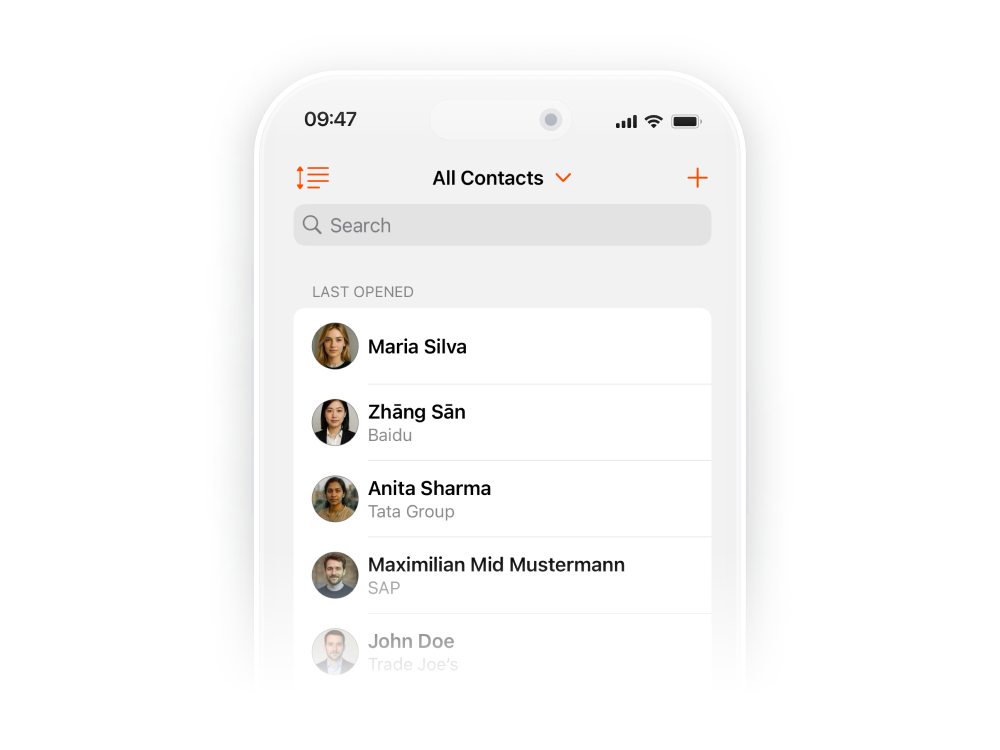
Custom Sorting
Prioritize your network your way. Sort contacts by last interaction, company, location, or any order that helps you identify who to follow up with next.
Get Starrise Contacts on the AppStore
Build stronger professional relationships. Get the best networking CRM app for your iPhone today.
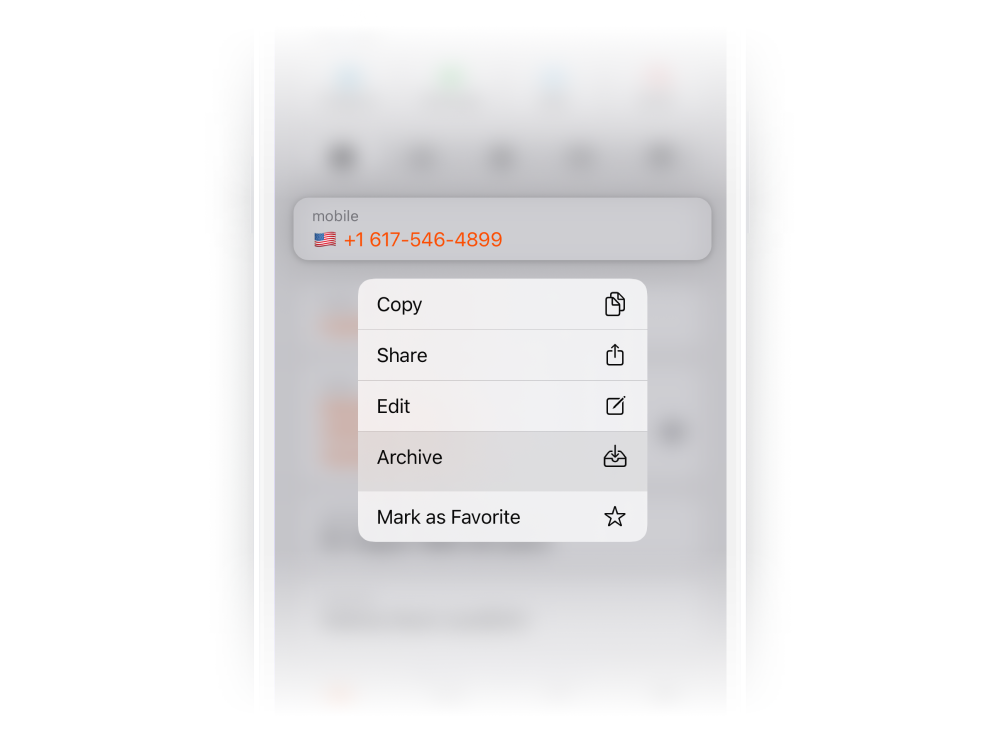
Archive & Favorite
Keep your active network focused. Archive contacts from past projects or events while favoriting your key networking connections, so the most important relationships stay accessible.
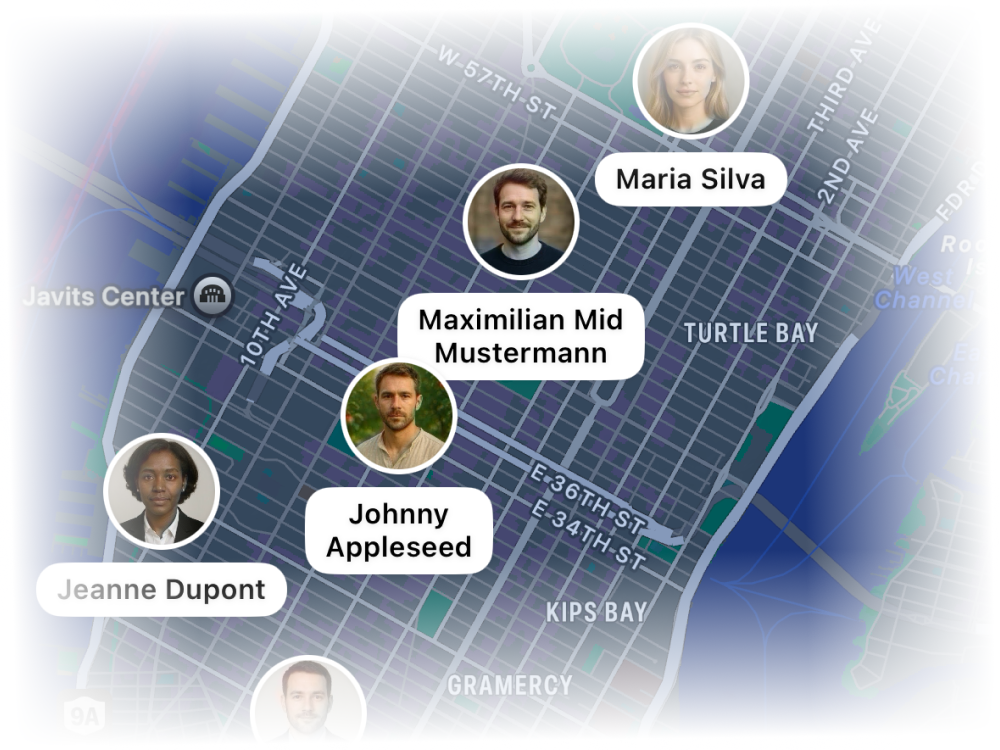
Map
Visualize your professional network geographically. See which contacts are in the city you’re visiting, find nearby connections for impromptu meetups, and plan networking visits.
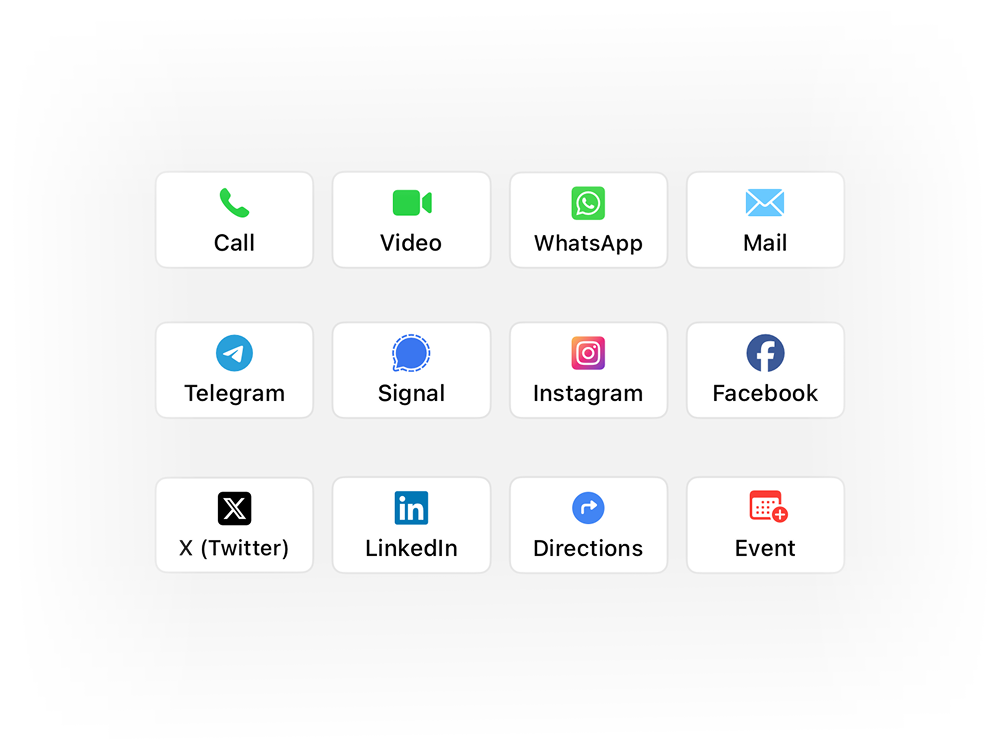
Quick Action Buttons
Follow up with one tap after any networking event. Reach out via WhatsApp, Telegram, LinkedIn, email, or call — all directly from the contact profile. No switching between apps.
YOUR NETWORKING TOOLKIT
Everything You Need to Grow Your Network…
NETWORKING CRM PRO
Go Pro — Advanced Networking Features
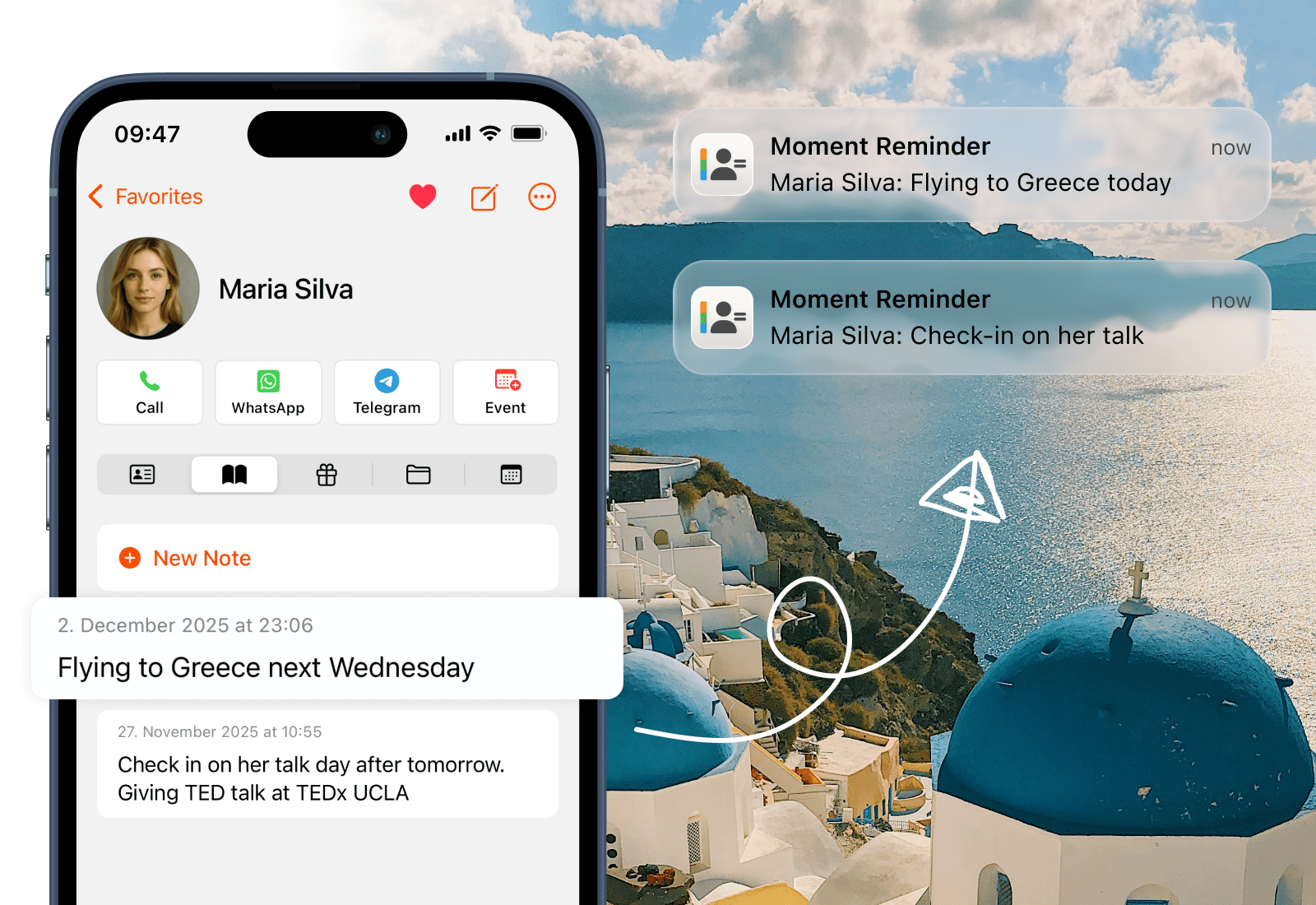
Moments from Notes
Never miss a follow-up again. Your networking notes quietly recognize upcoming meetings, coffee dates, and plans you’ve written about a contact. When the day arrives, your iPhone sends a gentle reminder to reach out. Automated follow-up management for your entire network, running in the background.
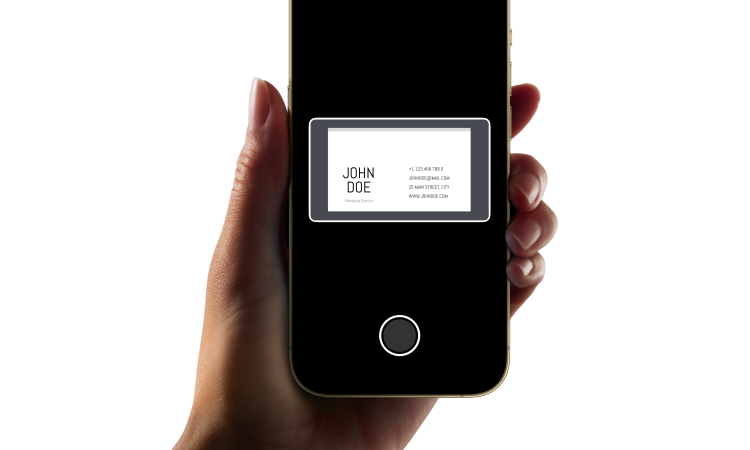
Business Card Scanner
Grow your network at events effortlessly. Scan business cards with your iPhone camera and instantly create organized contacts. Name, email, phone, company, and title — all captured with remarkable accuracy. From handshake to saved contact in seconds.
AI Notes Summary
Prepare for any networking meeting in seconds. AI Note Summary condenses all your notes about a contact into a clear briefing — their background, what you discussed, and pending follow-ups. Walk into every meeting feeling like you just spoke yesterday.
iCloud Sync (coming soon)
Your networking CRM travels with you. Contacts, notes, and files sync across iPhone, iPad, and Mac. Add a contact at a conference on your phone, and the details are waiting on your laptop when you’re back at the office. Seamless networking continuity.

Voice Add
Capture contacts on the go after any networking event. Simply speak a name, phone number, or detail, and Starrise creates the contact automatically. The fastest way to save new connections when you’re moving between conversations.
REVIEWS
Our users speak for Starrise Contacts
Super intuitive contacts app that immediately convinces with easy handling, clear design, and practical functions!
Starrise Contacts has replaced the iPhone system app for me. Very intuitive with many customization options. I’m looking forward to future updates!
Started using the notes and birthday features and it’s super convenient!
The app has completely changed how I manage my contacts. Very clear and intuitive to use. The notes feature is perfect for keeping track of everything. In addition, you get quick responses from support and the app is constantly being further developed. Absolutely recommended!
I love tracking my contacts and there are no better options out there. This is a lot better also than the more expensive options. Also great customer support as they add requested features quickly.
Really cool to use, super intuitive and practical!
I can absolutely recommend the Contacts app! It is very clearly designed and I have quick access to important information and notes about friends and acquaintances.
Very nice app. The ability to define direct communication methods for individual contacts helps a lot.
This app is perfect. The UI is very clean, pretty and full of function I need. Very pleasure if the development have add syncecontact on app. Redcomment to all people need new app for management contacts
FAQ
Frequently Asked Questions
A networking CRM helps you build and maintain professional relationships intentionally. Unlike enterprise CRMs built for sales teams, Starrise Contacts is designed for individuals who want to keep track of people they meet, remember conversation details, and follow up at the right time. It’s perfect for professionals, entrepreneurs, freelancers, and anyone who values their network.
Starrise Contacts goes beyond storing phone numbers. You can take detailed notes after each interaction, set follow-up reminders, see your meeting history, and reach out via any app with one tap. The Moments from Notes feature even detects plans you’ve mentioned and reminds you automatically — so no connection ever slips through the cracks.
Yes. All data stays securely on your device and within your accounts. We do not upload or share any of your contact information as we strongly believe that these only belong to you.
The app works directly with your iPhone contacts and syncs automatically — no import needed. Your existing contacts are instantly available with full networking features like notes, reminders, and quick actions. For LinkedIn connections, you can add them via business card scanning or voice input.
Yes! You can create custom lists to organize contacts by event, industry, company, or any category. Combine this with sorting options (by date added, last opened, company, city) to always find the right contact and know who to follow up with next.
Yes, you can view and edit your contacts without internet. If you are using iCloud, GMail or Outlook as an account, the changes will sync once you are back online.
The core features are available without a subscription after a one time purchase and will remain usable indefinitely. From time to time, the app is also offered for free during promotional periods. Advanced features for power users are available via an optional subscription. The core contact management functionality will continue to receive updates and new features over time.
Yes, you can install the app on multiple devices. While we do not yet offer a feature to sync your notes and gift ideas across all devices, we are planning to add this sometime in the future as part of our Pro subscription.
Starrise Contacts is designed specifically for iPhone as well as the iPad. We do not offer a Mac app at this time. If you’d like to see it on the Mac, please reach out to us via email.
We’d love to hear from you! You can send feedback directly through the app’s settings, or email us directly at support@coinlex.com.
PRICING
Our Transparent Pricing
Standard
$0.99one-time purchase
- All Basic Features, excl. Pro
- $0.99 one-time purchase
- We sometimes offer the app for free, so keep an eye out for that.
Pro (Monthly)
$0.99per month
- All Basic Features
- Business Card Scanner
- iCloud Sync
- Moment from Notes
- AI Note Summary
- Voice Add
Pro (Yearly)
$4.99per year
- All Basic Features
- Business Card Scanner
- iCloud Sync
- Moment from Notes
- AI Note Summary
- Voice Add
