
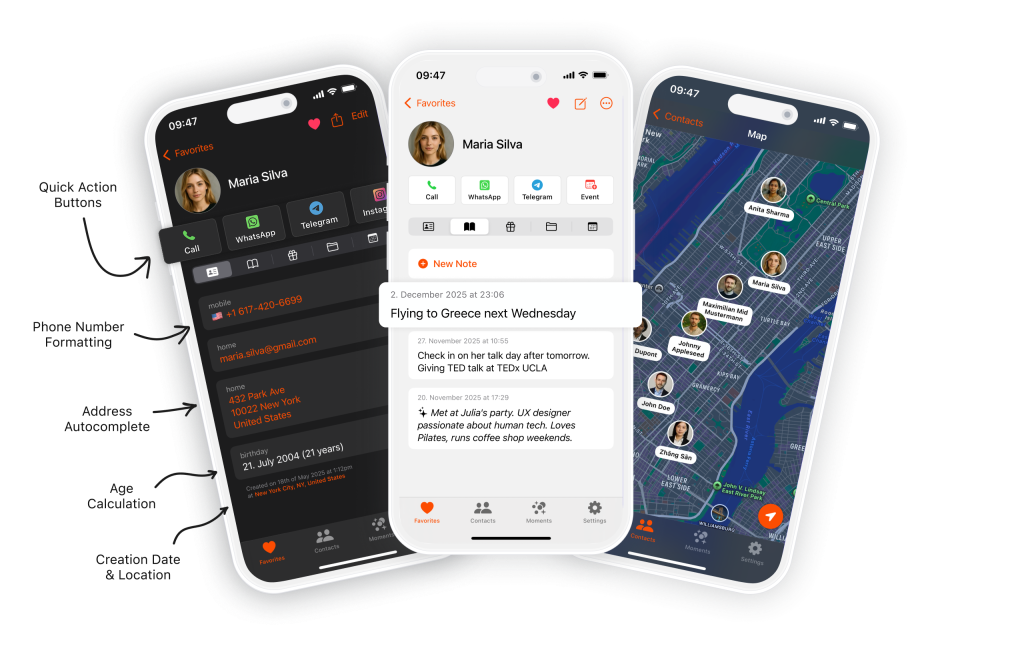
I love this app! It’s intuitive, fast, and makes managing contacts a breeze. Automatic sync, grouping, and quick search make it really practical. Highly recommended for anyone wanting an efficient, user-friendly contacts app.
Take rich, timestamped notes for every contact on your iPhone. Loved by many happy users.
1/5
AppStore Rating
CONTACT NOTES FEATURES
Why Use Starrise for Contact Notes?
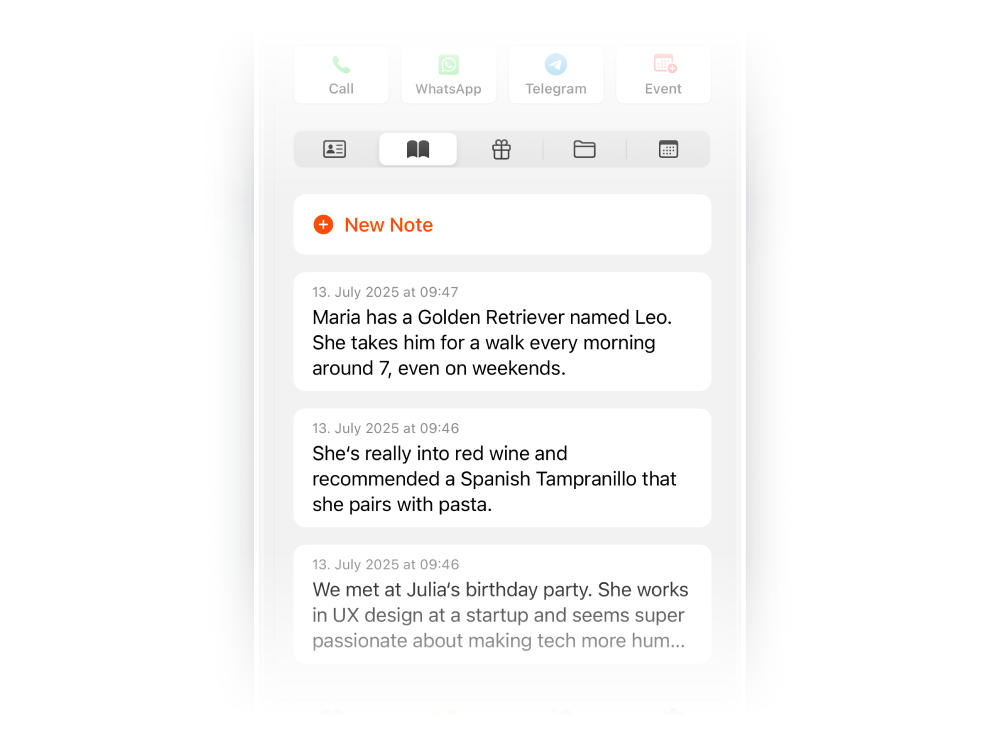
Notes
Take unlimited notes on any contact. Each note is automatically linked to a date, time, and location stamp — so you always remember not just what was said, but when and where.
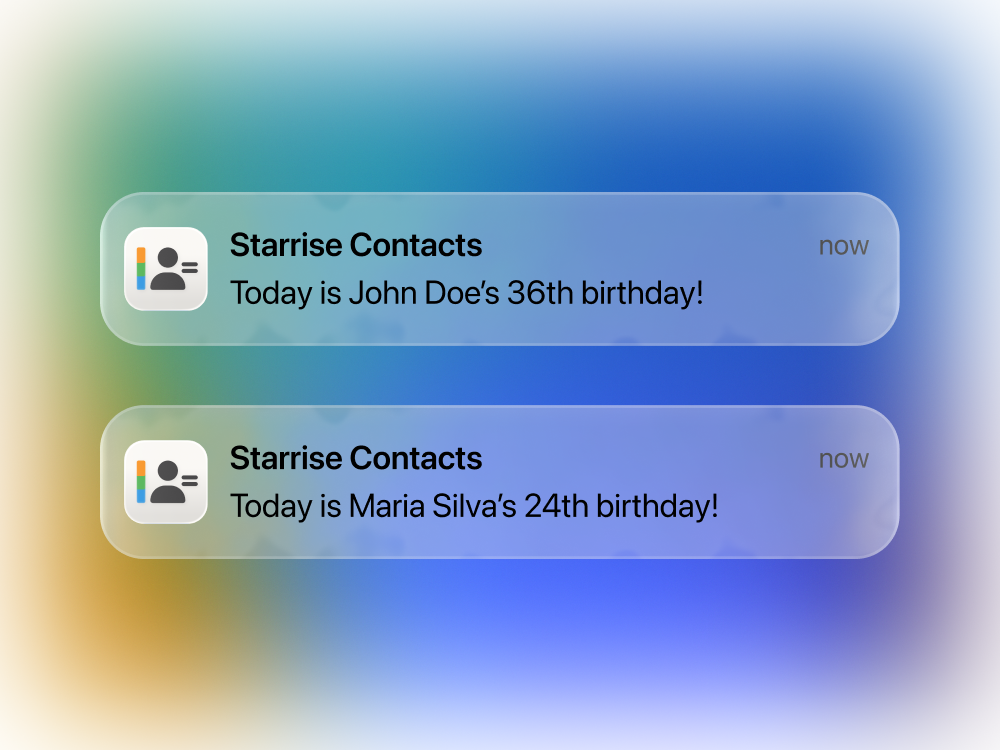
Birthday Reminders
Never forget a birthday again. You can set birthday reminders for your contacts and even choose the exact time you’d like to get notified, so you always reach out right on time.
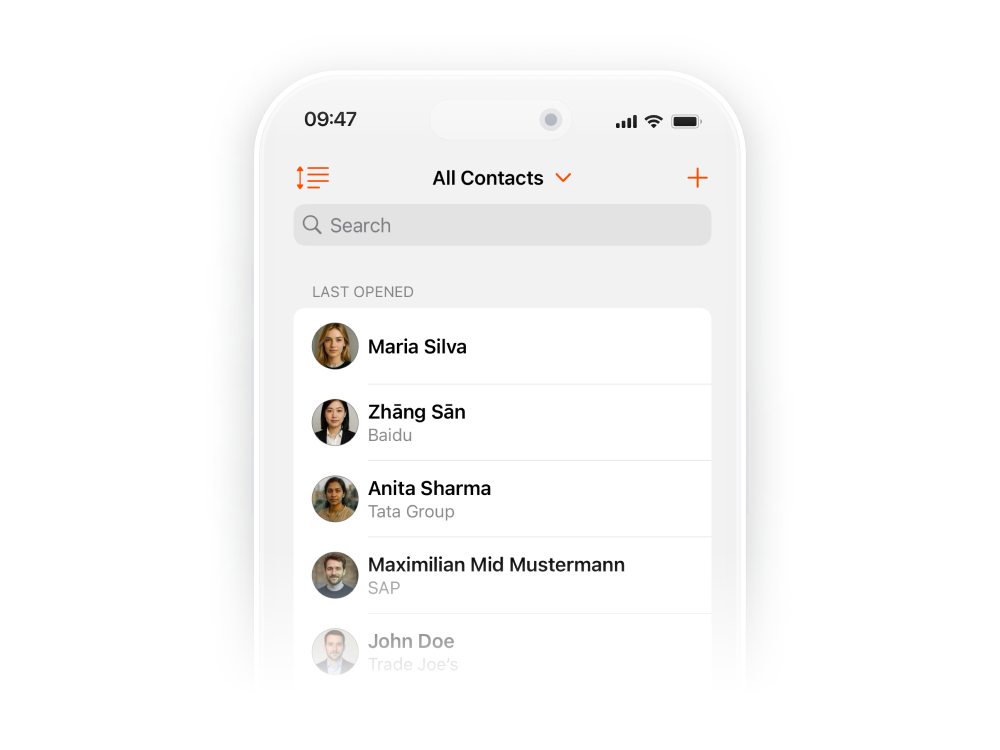
Custom Sorting
Find any contact and their notes instantly. Sort by last created, last opened, name, city, age, and more — so the right notes are always at your fingertips.
Get Starrise Contacts on the AppStore
Start adding notes to your contacts today. Download the best contact notes app for iPhone.
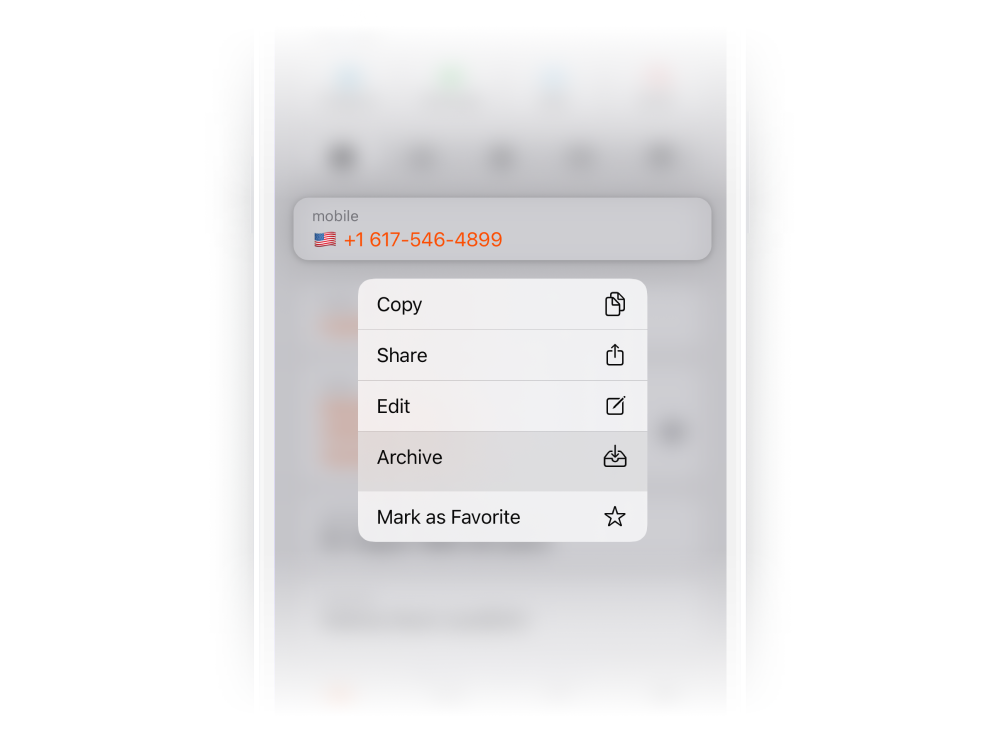
Archive & Favorite
Keep your contact list focused on what matters. Archive old details you don’t need daily while favoriting the main one, so your notes and key contacts stay front and center.

Map
See where your contacts are located on an interactive map. Combined with your notes, you’ll always have context before reaching out or planning a visit.
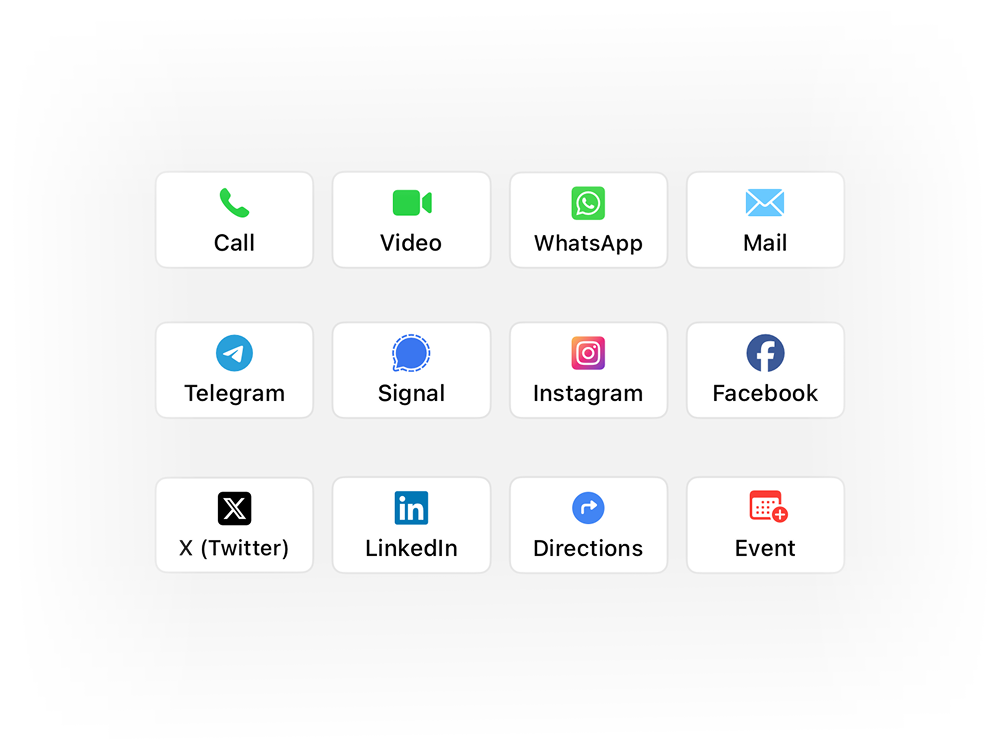
Quick Action Buttons
After reviewing your notes, reach out instantly. Set your preferred app — WhatsApp, Telegram, Signal, Instagram — for one-tap follow-up based on what you’ve noted.
POWERFUL CONTACT NOTES
More Ways to Enrich Your Contact Notes…
CONTACT NOTES PRO
Go Pro — AI-Powered Contact Notes
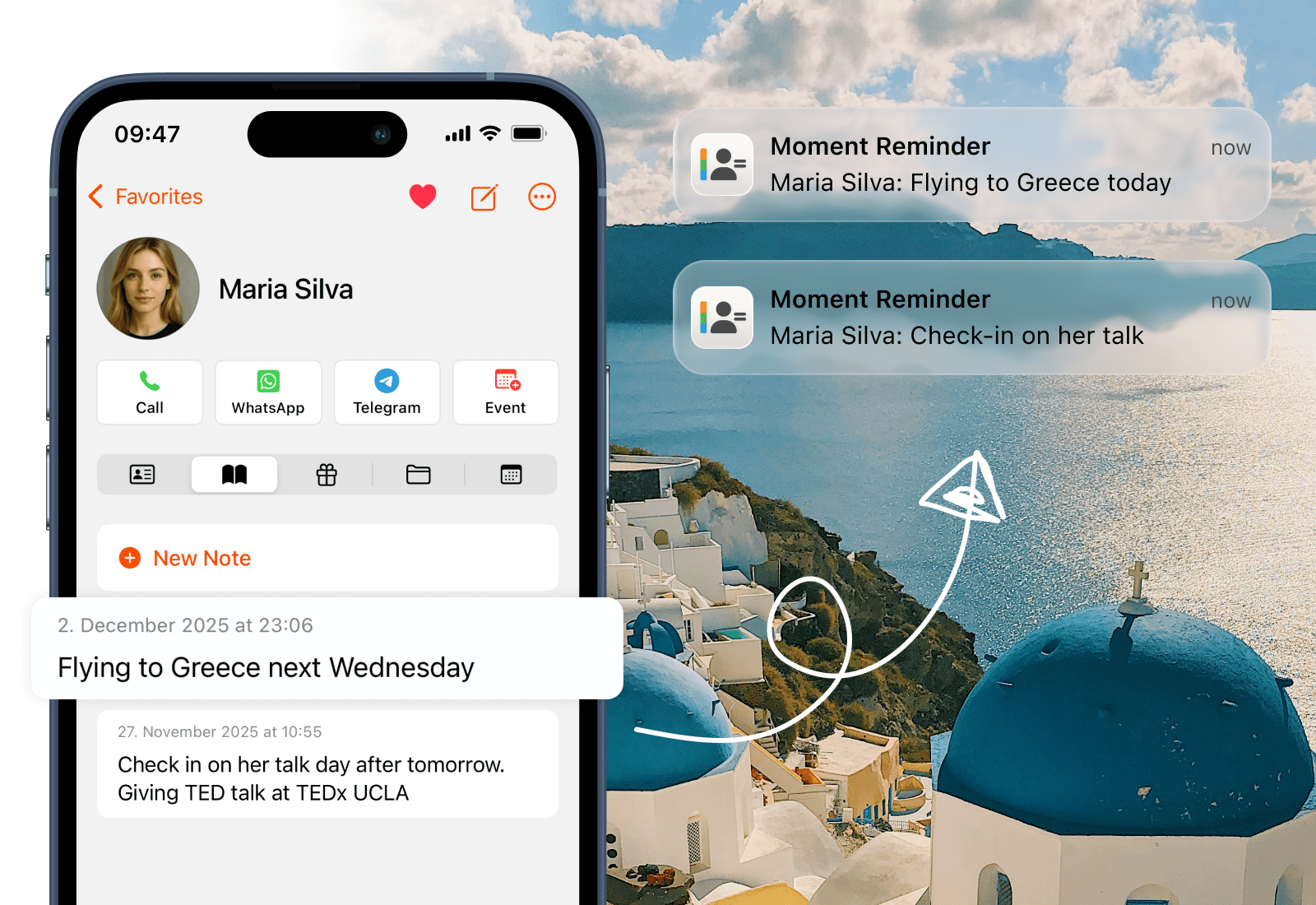
Moments from Notes
Your notes become intelligent reminders. They quietly recognize upcoming moments like birthdays, meetups, and plans you’ve written about a contact. When the day arrives, your iPhone sends a gentle notification based on what you noted — turning your notes into timely actions, automatically.
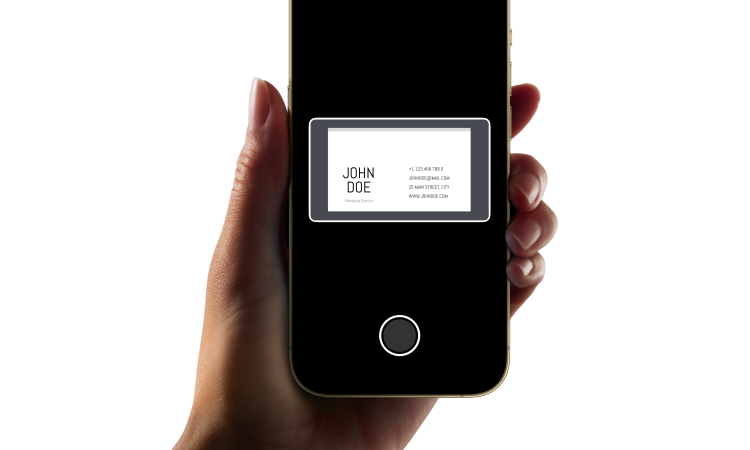
Business Card Scanner
Start a new contact record instantly. The Business Card Scanner captures details with remarkable accuracy, creating a beautifully structured contact ready for your first note. Point, scan, and start documenting the relationship.
AI Notes Summary
Turn months of contact notes into clear, concise summaries. AI Note Summary highlights what matters most about any contact, so you can catch up in seconds instead of scrolling through old notes. Keep the context, skip the noise.
iCloud Sync (coming soon)
Your contact notes sync everywhere. Notes, gift ideas, and file attachments stay perfectly up to date across iPhone, iPad, and Mac. Everything you write is available instantly on all your devices. Seamless note continuity.

Voice Add
Dictate notes and contacts hands-free. Simply speak a name, phone number, or detail, and Starrise transcribes your words into the right fields automatically. The fastest way to capture contact information the moment you get it.
REVIEWS
Our users speak for Starrise Contacts
Super intuitive contacts app that immediately convinces with easy handling, clear design, and practical functions!
Starrise Contacts has replaced the iPhone system app for me. Very intuitive with many customization options. I’m looking forward to future updates!
Started using the notes and birthday features and it’s super convenient!
The app has completely changed how I manage my contacts. Very clear and intuitive to use. The notes feature is perfect for keeping track of everything. In addition, you get quick responses from support and the app is constantly being further developed. Absolutely recommended!
I love tracking my contacts and there are no better options out there. This is a lot better also than the more expensive options. Also great customer support as they add requested features quickly.
Really cool to use, super intuitive and practical!
I can absolutely recommend the Contacts app! It is very clearly designed and I have quick access to important information and notes about friends and acquaintances.
Very nice app. The ability to define direct communication methods for individual contacts helps a lot.
This app is perfect. The UI is very clean, pretty and full of function I need. Very pleasure if the development have add syncecontact on app. Redcomment to all people need new app for management contacts
FAQ
Frequently Asked Questions
Yes! Starrise Contacts lets you add unlimited rich notes to any contact on your iPhone. Each note is timestamped with the date, time, and location it was created. You can also attach files, photos, and documents to any contact. It’s the easiest way to remember important details about the people in your life.
The default iPhone contacts app only offers a single notes field per contact. Starrise Contacts lets you take multiple, individual notes — each with its own timestamp, location, and rich text formatting. Plus, AI can summarize your notes and even detect upcoming events you’ve mentioned.
Yes. All data stays securely on your device and within your accounts. We do not upload or share any of your contact information as we strongly believe that these only belong to you.
No extra steps needed. The app works directly with your iPhone contacts and updates automatically. Ensure you have given full permission in the settings app to access and edit contacts on your device.
Yes! Starrise Contacts offers powerful search across all your notes and contacts. Search by name, company, phone number, email, or any keyword in your notes to instantly find what you’re looking for.
Yes, you can view and edit your contacts without internet. If you are using iCloud, GMail or Outlook as an account, the changes will sync once you are back online.
The core features are available without a subscription after a one time purchase and will remain usable indefinitely. From time to time, the app is also offered for free during promotional periods. Advanced features for power users are available via an optional subscription. The core contact management functionality will continue to receive updates and new features over time.
Yes, you can install the app on multiple devices. While we do not yet offer a feature to sync your notes and gift ideas across all devices, we are planning to add this sometime in the future as part of our Pro subscription.
Starrise Contacts is designed specifically for iPhone as well as the iPad. We do not offer a Mac app at this time. If you’d like to see it on the Mac, please reach out to us via email.
We’d love to hear from you! You can send feedback directly through the app’s settings, or email us directly at support@coinlex.com.
PRICING
Our Transparent Pricing
Standard
$0.99one-time purchase
- All Basic Features, excl. Pro
- $0.99 one-time purchase
- We sometimes offer the app for free, so keep an eye out for that.
Pro (Monthly)
$0.99per month
- All Basic Features
- Business Card Scanner
- iCloud Sync
- Moment from Notes
- AI Note Summary
- Voice Add
Pro (Yearly)
$4.99per year
- All Basic Features
- Business Card Scanner
- iCloud Sync
- Moment from Notes
- AI Note Summary
- Voice Add
