
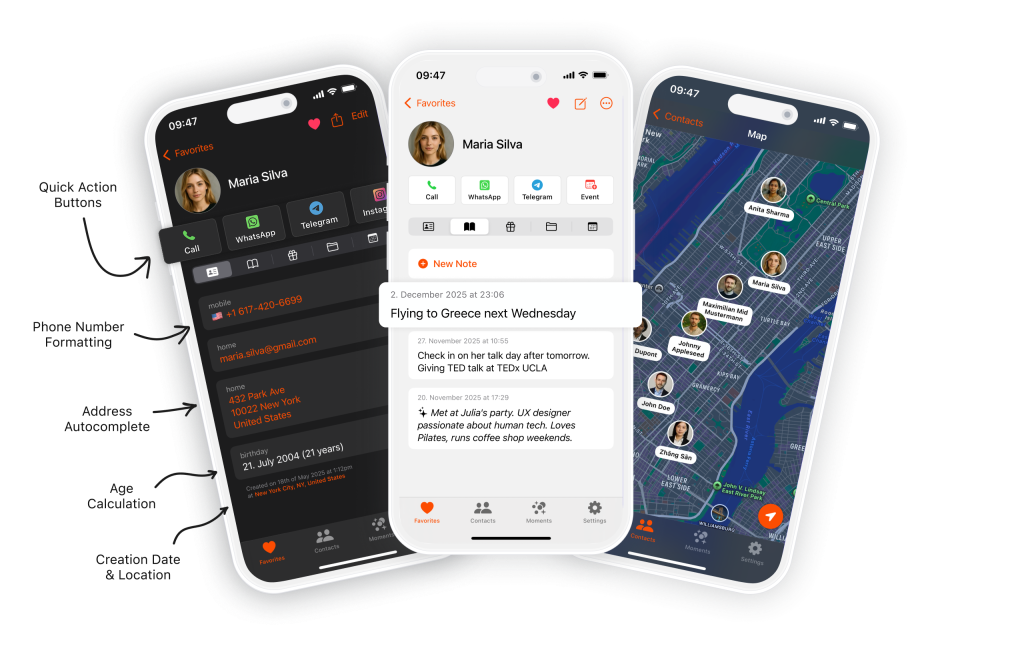
I love this app! It’s intuitive, fast, and makes managing contacts a breeze. Automatic sync, grouping, and quick search make it really practical. Highly recommended for anyone wanting an efficient, user-friendly contacts app.
The smartest business card scanner for iPhone. Scan, save, and manage contacts effortlessly.
1/5
AppStore Rating
SCANNER & CONTACT FEATURES
Why Starrise for Business Card Scanning?
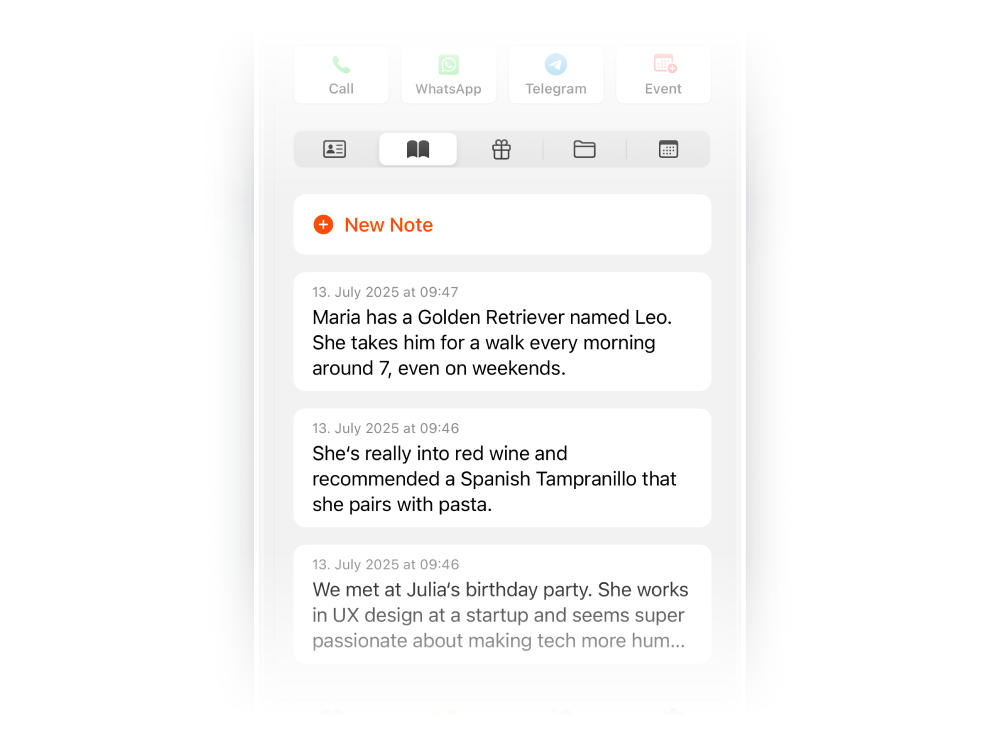
Notes
After scanning a business card, add notes about where you met and what you discussed. Each note is timestamped, so you never lose context from networking events.
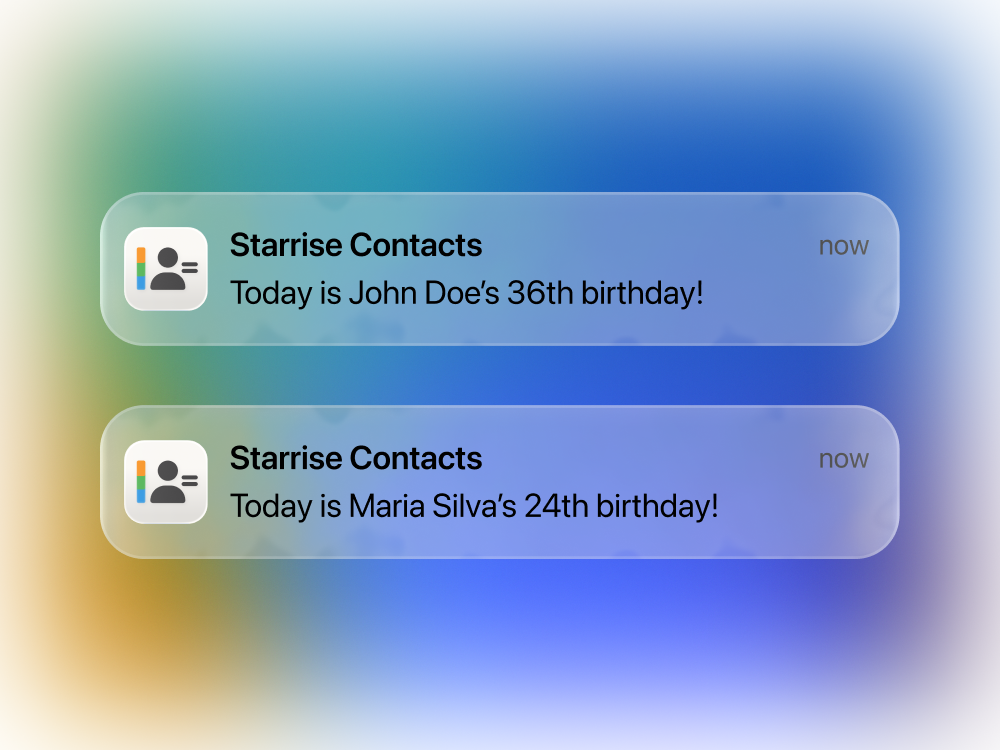
Birthday Reminders
Turn scanned contacts into lasting relationships. Set birthday reminders for people you meet, so you always have a reason to follow up and stay connected.
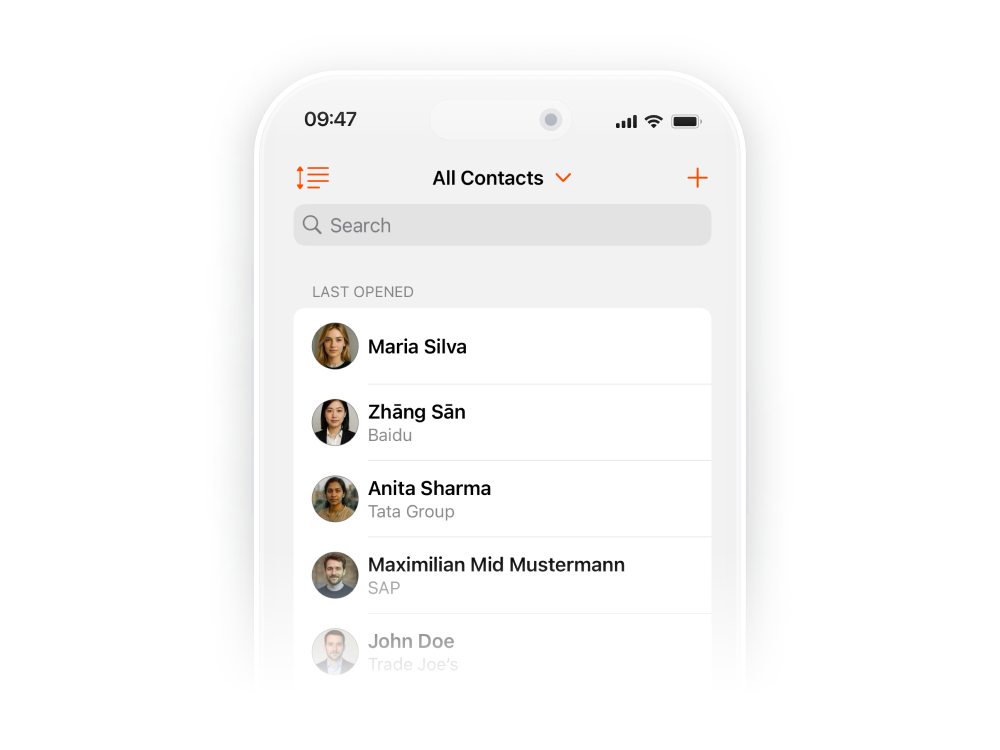
Custom Sorting
Organize scanned contacts your way. Sort by when they were added, company name, location, or any field — making it easy to find contacts from specific events or meetings.
Get Starrise Contacts on the AppStore
Stop losing business cards. Scan, save, and manage every contact digitally on your iPhone.
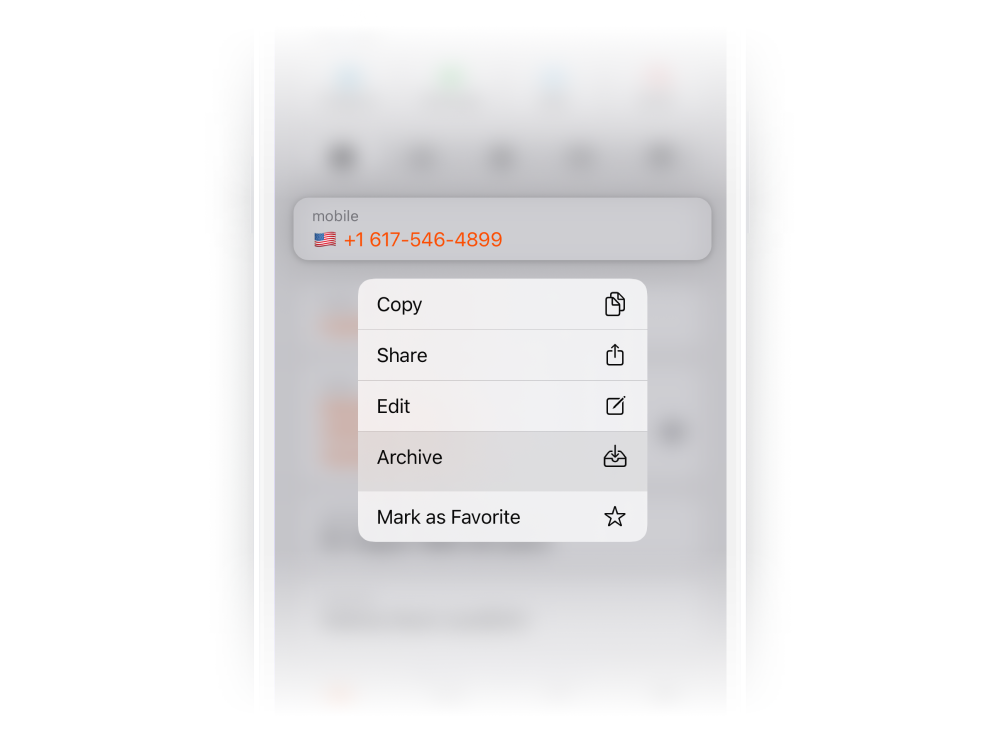
Archive & Favorite
Scanned too many cards at a conference? Archive contacts you don’t need daily while keeping important ones front and center. Favoriting ensures you always reach the right detail.
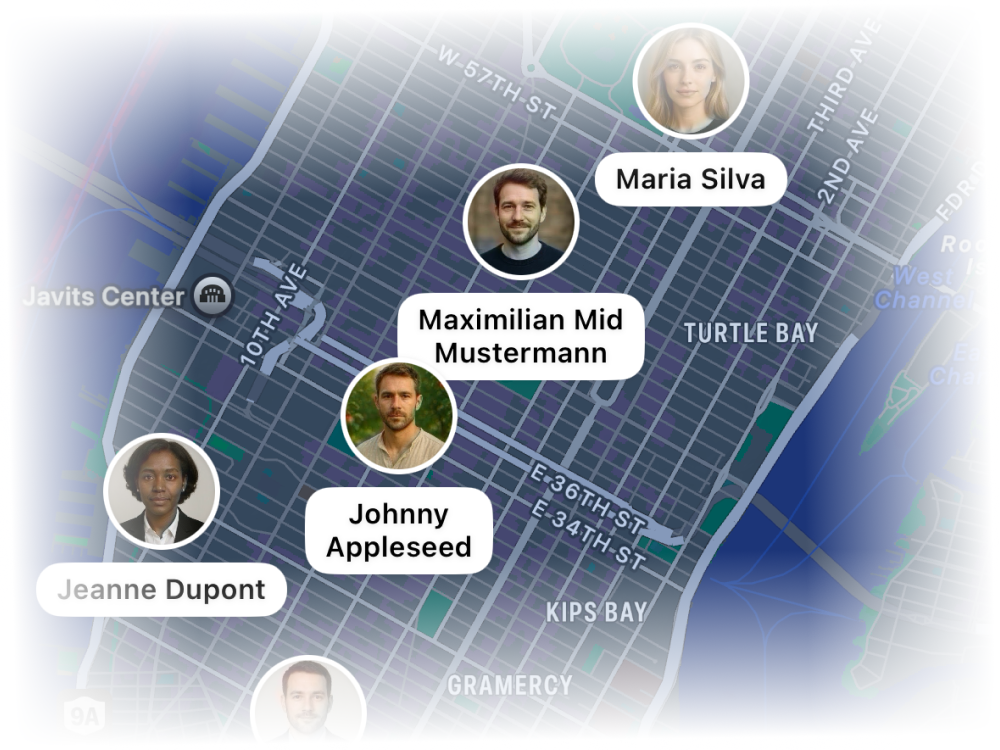
Map
See all your scanned contacts on a map. Visualize your professional network geographically and get directions to any contact’s office or meeting location.
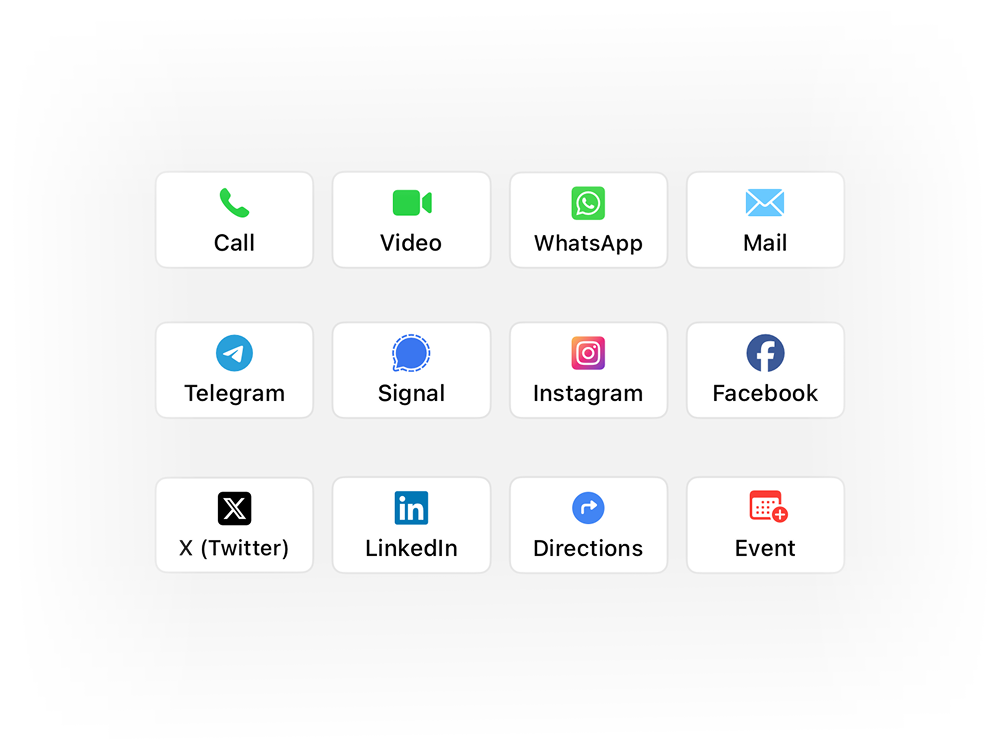
Quick Action Buttons
Follow up with scanned contacts instantly. Call, email, message via WhatsApp or Telegram, or create a calendar event — all one tap away from the contact you just scanned.
PROFESSIONAL CONTACT CAPTURE
Beyond Business Card Scanning…
BUSINESS CARD SCANNER PRO
Go Pro — Professional Contact Capture
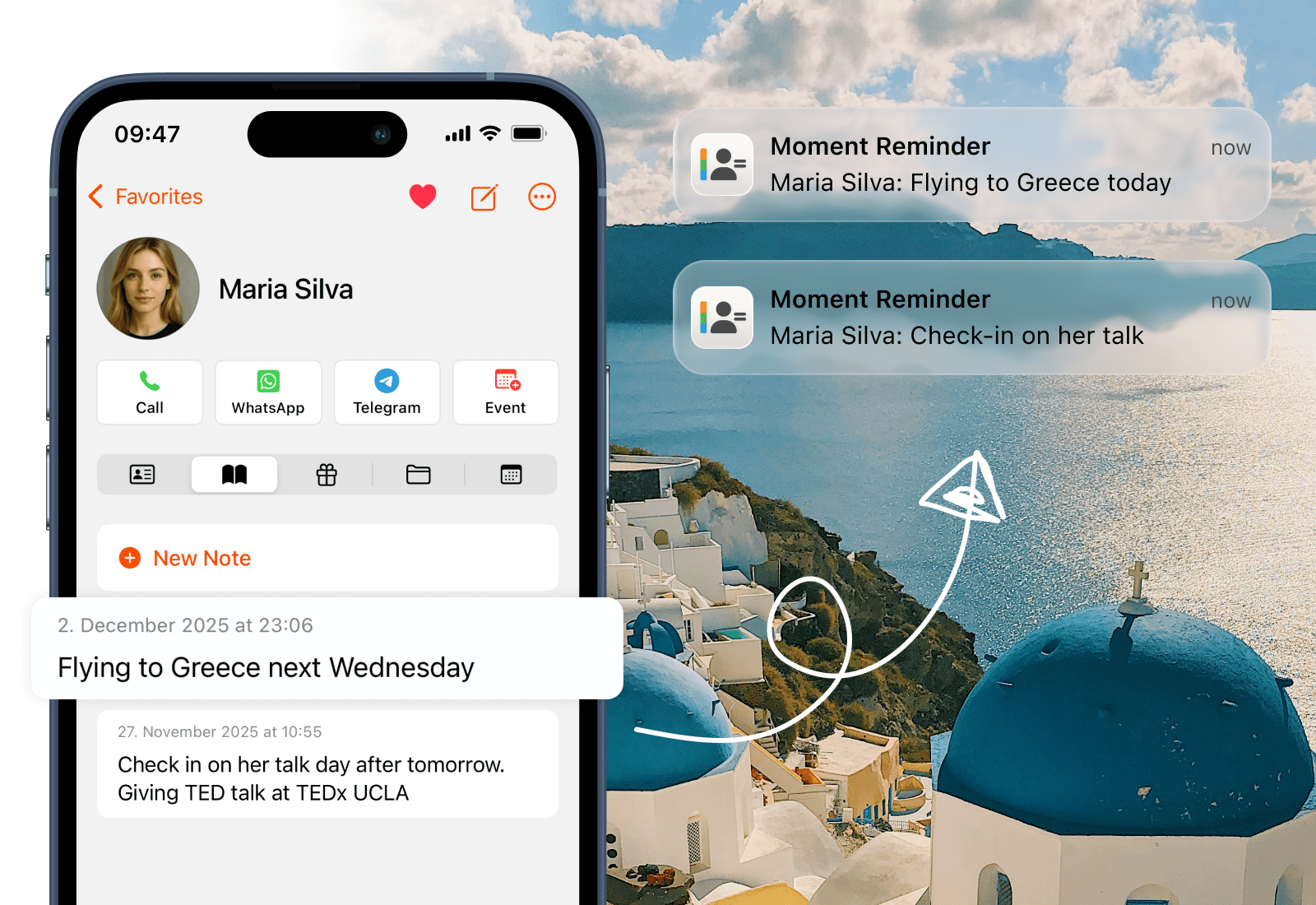
Moments from Notes
Your meeting notes become automatic follow-up reminders. After scanning a business card and adding notes, the app recognizes dates and plans you’ve mentioned. When the day arrives, you get a gentle notification to follow up — turning business cards into real professional relationships.
Business Card Scanner
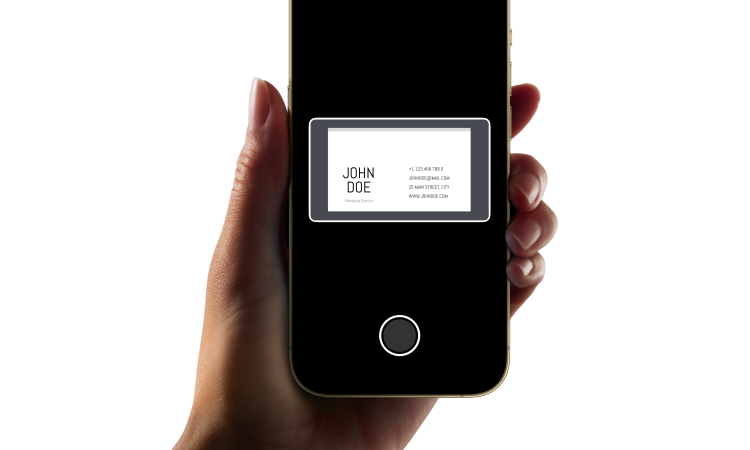
The heart of professional contact capture. Our Business Card Scanner uses advanced OCR to read names, phone numbers, emails, companies, and titles with remarkable accuracy. Point your iPhone camera, tap to confirm, and the contact is beautifully structured and ready to use. No manual typing required.
AI Notes Summary
Before a meeting, catch up on any professional contact in seconds. AI Note Summary condenses all your notes about a scanned contact into a clear briefing — who they are, what you discussed, and what’s next. Walk into every meeting prepared.
iCloud Sync (coming soon)
Scanned contacts sync across all your Apple devices. Access your business contacts, notes, and attached files on iPhone, iPad, and Mac. Scan a card at a conference, and it’s ready on your laptop when you get back to the office.
Voice Add
No business card? No problem. Add contacts using your voice — simply speak a name, phone number, or company, and Starrise creates the contact automatically. The perfect complement to scanning when you get details verbally.
REVIEWS
Our users speak for Starrise Contacts
Super intuitive contacts app that immediately convinces with easy handling, clear design, and practical functions!
Starrise Contacts has replaced the iPhone system app for me. Very intuitive with many customization options. I’m looking forward to future updates!
Started using the notes and birthday features and it’s super convenient!
The app has completely changed how I manage my contacts. Very clear and intuitive to use. The notes feature is perfect for keeping track of everything. In addition, you get quick responses from support and the app is constantly being further developed. Absolutely recommended!
I love tracking my contacts and there are no better options out there. This is a lot better also than the more expensive options. Also great customer support as they add requested features quickly.
Really cool to use, super intuitive and practical!
I can absolutely recommend the Contacts app! It is very clearly designed and I have quick access to important information and notes about friends and acquaintances.
Very nice app. The ability to define direct communication methods for individual contacts helps a lot.
This app is perfect. The UI is very clean, pretty and full of function I need. Very pleasure if the development have add syncecontact on app. Redcomment to all people need new app for management contacts
FAQ
Frequently Asked Questions
Point your iPhone camera at any business card and tap to scan. Starrise Contacts uses advanced OCR (Optical Character Recognition) to read the card and extract names, phone numbers, email addresses, company names, and job titles. The scanned information is automatically organized into a beautifully structured contact on your iPhone. You can review and edit before saving.
The scanner captures details with remarkable accuracy across multiple languages. It handles various card layouts, fonts, and designs. After scanning, you can review the extracted information and make any adjustments before saving the contact.
Yes. All data stays securely on your device and within your accounts. We do not upload or share any of your contact information as we strongly believe that these only belong to you.
Yes! In addition to business card scanning, Starrise Contacts can scan QR codes that contain contact information (vCards). You can also generate QR codes for your own contact information to share with others.
After scanning, the contact is created with all the extracted information organized into the right fields. You can then add notes about where you met, set follow-up reminders, attach files, and use quick action buttons to reach out via call, email, WhatsApp, or any other app.
Yes, you can view and edit your contacts without internet. If you are using iCloud, GMail or Outlook as an account, the changes will sync once you are back online.
The core features are available without a subscription after a one time purchase and will remain usable indefinitely. From time to time, the app is also offered for free during promotional periods. Advanced features for power users are available via an optional subscription. The core contact management functionality will continue to receive updates and new features over time.
Yes, you can install the app on multiple devices. While we do not yet offer a feature to sync your notes and gift ideas across all devices, we are planning to add this sometime in the future as part of our Pro subscription.
Starrise Contacts is designed specifically for iPhone as well as the iPad. We do not offer a Mac app at this time. If you’d like to see it on the Mac, please reach out to us via email.
We’d love to hear from you! You can send feedback directly through the app’s settings, or email us directly at support@coinlex.com.
PRICING
Our Transparent Pricing
Standard
$0.99one-time purchase
- All Basic Features, excl. Pro
- $0.99 one-time purchase
- We sometimes offer the app for free, so keep an eye out for that.
Pro (Monthly)
$0.99per month
- All Basic Features
- Business Card Scanner
- iCloud Sync
- Moment from Notes
- AI Note Summary
- Voice Add
Pro (Yearly)
$4.99per year
- All Basic Features
- Business Card Scanner
- iCloud Sync
- Moment from Notes
- AI Note Summary
- Voice Add
